
Meru card, reviewed: a US Visa debit card funded by stablecoins, and the fine print that comes with it
 Available in US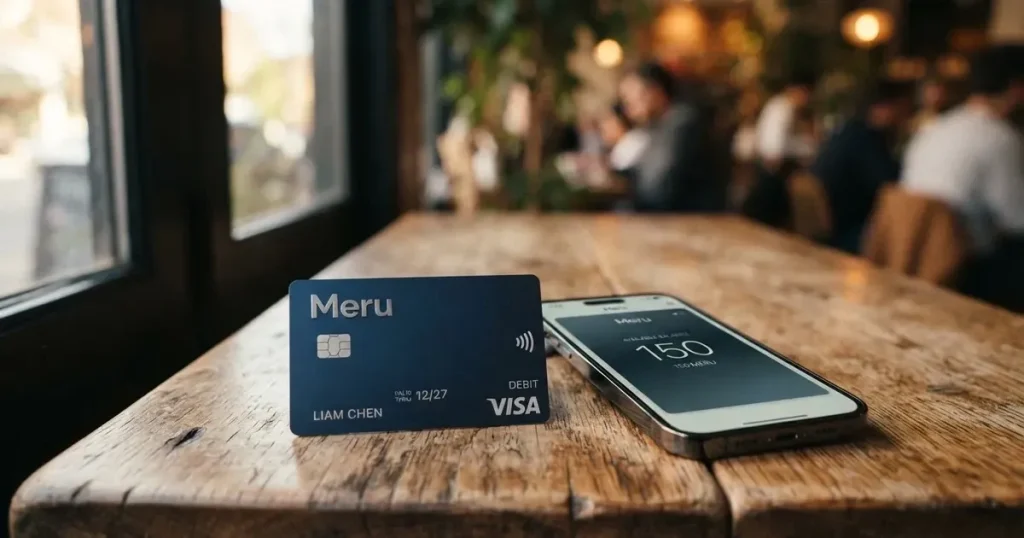
Meru is a US-issued Visa debit card that draws on a dollar account, with the account opened through a phone app and topped up mostly with USDC and USDT across a wide spread of blockchain networks. It is built for people who hold stablecoins and want a card that behaves like an ordinary debit card in shops and at ATMs, but it is not a bank account and it is not a one-size-fits-all product. If you are choosing between crypto cards, or wondering whether Meru is the right place to park dollars you are spending anyway, this review walks through who can sign up, what it actually costs to spend and to top up, where it works well, and where the terms leave gaps.
Conditions are current as of October 28, 2026.
Verdict
Meru earns 7.3 out of 10 in this assessment. That is a good score, driven by a free virtual card, a low 5 USD physical card fee, no maintenance fee, and a genuinely broad list of stablecoin networks for topping up, but held back by gaps in the published information and a thin public record on the company itself.
The card suits dollar savers who already hold USDC or USDT and want a simple Visa to spend that balance in shops and online, and it also suits people who have trouble getting an ordinary bank card, since the sign-up is built around a national ID and a photo. It does not suit people who want a card that earns cashback, who need multicurrency balances on the card itself, or who want a named European e-money licence on the issuer behind the card. The Trustpilot picture is too thin to be reassuring, the issuer bank is not named on the public page, and a few important operational details are simply not stated.
How the score breaks down
| Criterion | Mark | Why |
|---|---|---|
| Who can get it | 8 / 10 | The page says accounts can be opened “from anywhere in the world*”, with a footnote that is not expanded; no list of supported countries. |
| Cost | 7 / 10 | Virtual card free, physical 5 USD, no maintenance; purchases in USD outside the US 1 %, other currencies 1.2 %; crypto top-up 1 % + 1 USD; ATM 0 USD. |
| Top-up options | 10 / 10 | USDC and USDT across Stellar, Polygon, Base, Arbitrum, Solana, Optimism, Monad, plus Tron, BSC and Ethereum. |
| Reliability and complaints | 5 / 10 | Operator R3MIT Solutions Inc., a Florida MSB registered with FinCEN; issuer bank not named; Trustpilot sits at roughly 3.0 out of 5 from only 5 reviews, with complaints about support and being locked out; App Store rating is 4.7 out of 5. |
| Everyday use | 7 / 10 | Physical and virtual Visa; ATM withdrawals free of Meru’s fee up to 250 USD per transaction; Apple Pay and Google Pay support is not mentioned. |
Who they will give the card to
Meru’s sign-up page says accounts can be opened “from anywhere in the world*”, with an asterisked footnote that is not expanded in the captured text. In practice, that means the company is not publishing a country list, which is the first thing to check before you go any further with the application. The way Meru phrases residency is also loose: the public page talks about opening the account with a national ID (“with your national identity document”), without separating citizenship from residence the way a regulated bank usually does. The Help Center is in Spanish, and several of the Trustpilot reviews are in Spanish, which suggests the card has a strong Latin American user base, but that is an observation about the reviews, not a confirmation of who is or is not eligible.
What the page does set out is the identity check itself. You upload a photo of a valid ID (cédula, DNI or passport) and complete a facial validation if asked. Users must be adults. The page does not state a minimum age in years, does not list which documents are accepted in which country, and does not say whether proof of address is required, how long verification takes, or what reasons lead to a rejection. The only tier is the standard account: there are no premium or business tiers described on the site, and account opening and maintenance are free.
If you are weighing Meru against a card that publishes a clean country list and a named issuer, that gap is the practical difference. If you are weighing it against a card that also lacks those details, Meru is in line with the segment rather than an outlier, and the fact that the only sign-up requirement the public page names is a photo of an ID and a selfie is a plus for anyone who cannot easily produce utility bills or bank statements in their name.
How to get it
The flow is built around the phone. You install the app, create an account, complete the identity check with a photo of a valid ID (national ID, DNI or passport) and, if asked, a facial validation. The card itself is a Visa International card, “issued in the USA”, denominated in dollars, and available as both a physical and a virtual card. The virtual card is free; the physical card costs 5 USD, and the shipping cost is “according to the destination country”, with no amount published.
What the page does not say is how long the physical card takes to arrive, which countries it ships to, what the replacement cost is if the card is lost or damaged, or how long the in-app review takes between uploading the ID and being able to use the card. The Help Center article on verification is dated 9 April 2026, so this is a relatively young product page, and it shows.
A practical point for anyone signing up: the identity check is the only real gate. There is no mention of an invitation code, no closed beta, and no waiting list on the public page, so the steps that matter are the ones the page does name, not the ones it omits. If you want to know the exact review time, the only honest answer is that the public information does not state it, and the experience reported in App Store reviews is mixed.
What it really costs: the everyday Fees that add up
The headline is friendly: no maintenance fee, no monthly plan, virtual card free, physical card 5 USD. The detail is in the conversion and FX percentages, which is where a US-dollar card starts to bite once you spend outside the United States. The card holds a USD balance, so a purchase in euros, pesos or sterling is converted to dollars at the rate Visa applies, and Meru adds a fee on top. The published split is 0 % for US purchases in USD, 1 % for purchases outside the US in USD, and 1.2 % for purchases outside the US in other currencies.
ATM withdrawals are free of Meru’s own fee, but the cardholder can only withdraw up to 250 USD per transaction and a maximum of 3 withdrawals per day, and ATM withdrawals have to be turned on in the app (Tarjetas → Habilitar retiros en ATM). The ATM operator or the Visa conversion can still apply its own charge on top, which is something to bear in mind at an airport ATM in a country with a high acquirer surcharge.
The dispute fee is the line most readers skip past and regret later. Disputed transactions are charged 30 USD per case, deducted whether the dispute succeeds or not, and the dispute has to be opened within 30 calendar days of the transaction; Meru says review can take up to 15 business days and that reversal is not guaranteed. If a large payment goes wrong, that 30 USD is a real cost, and a series of disputes adds up quickly.
The fees table below is built only from the published schedule. Where a line is not stated, it is left blank.
Fees and limits
| Fee or limit | Amount |
|---|---|
| Virtual card issuance | Free |
| Physical card issuance | 5 USD |
| Monthly or maintenance fee | None |
| Purchase in USD, in the US | 0 % |
| Purchase in USD, outside the US | 1 % |
| Purchase in non-USD currency, outside the US | 1.2 % |
| ATM withdrawal, Meru fee | 0 USD |
| ATM limit per transaction | 250 USD |
| ATM limit per day | 3 withdrawals |
| Daily purchase limit | 10,000 USD |
| Disputed transaction fee | 30 USD per case |
| Shipping (physical card) | “According to destination country” (amount not stated) |
Three everyday examples, to put the schedule in real terms. First, a coffee bought in Mexico for the local-currency equivalent of 4 USD: that is a non-USD purchase outside the US, so Meru adds 1.2 % on top of the Visa rate, or about 5 cents. Second, a 50 USD online subscription billed in dollars to a US merchant: that is a USD purchase outside the US for most non-US cardholders, so Meru adds 1 %, or 50 cents. Third, a 300 USD cash withdrawal abroad: that is two ATM transactions, both within the 250 USD per-transaction cap, both free of Meru’s fee, but the ATM operator and Visa’s conversion can each take a slice. None of these are ruinous in isolation, and they are competitive with other stablecoin-funded cards, but they are the real numbers rather than the marketing line.
Top up: how to fund the card
This is where Meru is genuinely strong. The card can be topped up with USDC and USDT across a long list of networks, and that is the part of the product the score of 10 out of 10 reflects. USDC and USDT can be sent on Stellar, Polygon, Base, Arbitrum, Solana, Optimism and Monad for a fee of 1 % plus 1 USD. USDT on Tron is 1 % plus 5 USDT, USDC on BSC is 1 % plus 3 USDC, and USDC on Ethereum is 1 % plus 10 USDC. Deposits from exchanges are 1 % plus 1 USDC. The fee is shown in the app before the transfer is confirmed, which is the right place for it to live.
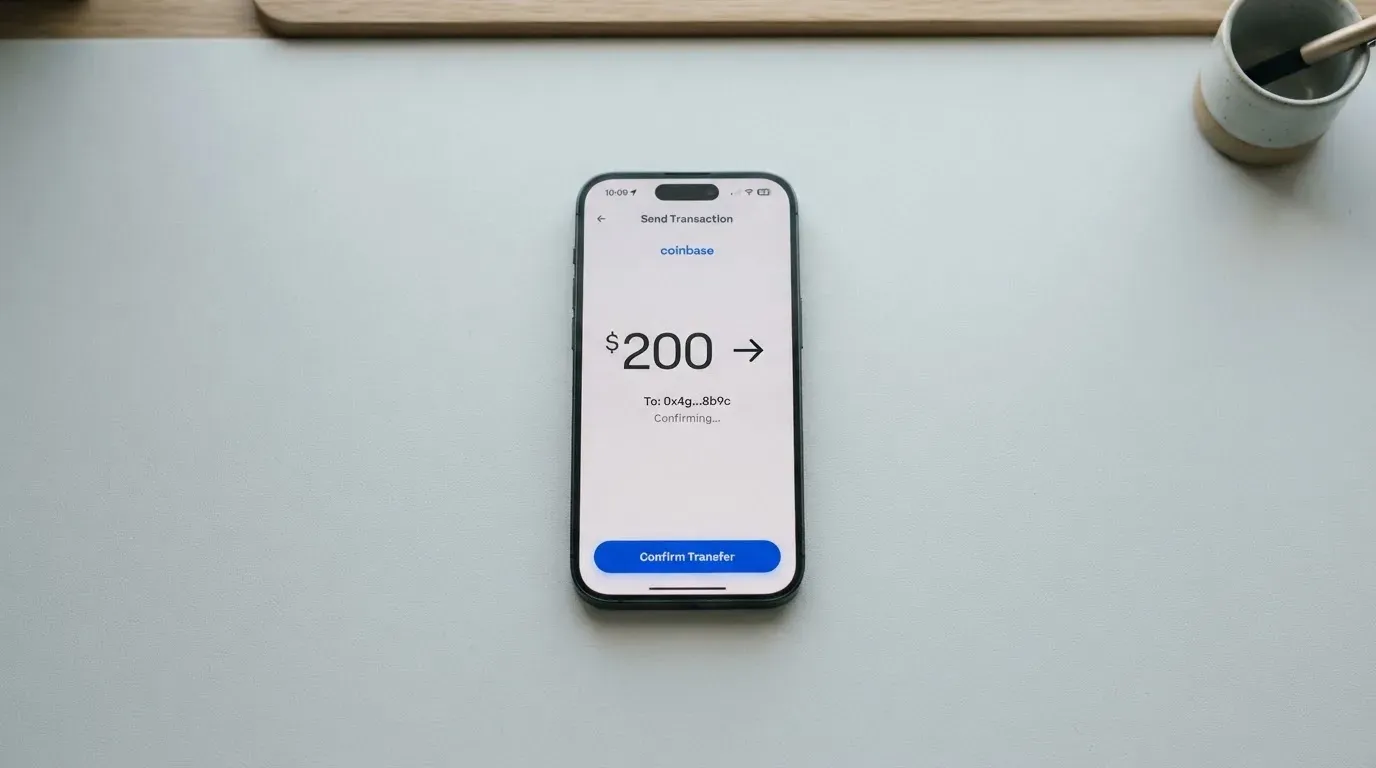
For anyone who already holds stablecoins, the important practical detail is the network. Sending USDC on a network Meru does not support is not recoverable in any normal sense, so it is worth a double check before signing a transaction. The published list covers the most common consumer networks and a few newer ones, and the cheapest path on the schedule is Stellar, Polygon, Base, Arbitrum, Solana, Optimism and Monad, with Ethereum the most expensive by a margin because of gas.
Fiat paths also exist, and they are worth knowing for readers who want to combine crypto and bank funding. The published deposit fees for personal accounts are: ACH global, Mexico and Colombia 2 USD (3 USD in Spain); wire global 15 USD (25 USD in Spain); SEPA global and Colombia 2 USD (3 USD in Spain); SPEI 2 USD; PSE 0.30 % plus 0.3 USD; credit card via Stripe 5.40 % plus 1 USD; MoneyGram 0.5 USD; PIX free. A minimum top-up amount is not stated in the public schedule. The app should show the fee at confirmation, and that is the figure to use rather than any rounded rule of thumb.
The withdrawals path is the mirror image, and the published fees are: ACH and SEPA 0.75 % plus 1.5 USD; wire 0.75 % plus 25 USD; Swift 0.4 % plus 15 USD; crypto USDC and USDT on Polygon and Stellar 1 % plus 1 USD, on Tron 1.50 % plus 5 USDC; PIX free; MoneyGram 0.5 USD. Closing the account is described in the terms as withdraw the balance, notify Meru and uninstall the app, which is the simplest closure flow of any crypto card in this segment.
Paying with it every day
For everyday use, Meru behaves like a prepaid Visa debit card. The card balance is in dollars, the merchant either charges in dollars or in local currency, and the conversion runs through Visa. The app can freeze and unfreeze the card, set limits, and push real-time notifications. ATM withdrawals need to be turned on in the app, which is a small but useful feature for anyone who would rather not have the card work at a cash machine by default.
What the public information does not mention is Apple Pay or Google Pay. Tokenised mobile wallets are the most common way people actually pay with a Visa in 2026, and the absence of any mention on the captured pages is a real gap. The page also lists restricted merchant categories on virtual cards, which is more detail than many competitors give: betting platforms, adult sites, dating apps, virtual wallets, streaming and video game platforms (where the restriction is tied to geolocation), and named merchants including Binance, Interactive Brokers, Skrill, PayPal and Zinli. These limits come from the issuing bank and the merchants, not from Meru, which is normal for the segment but worth knowing if a payment fails at a specific site.
On rewards, the public page lists “special discounts and promotions at selected merchants” but does not state a cashback rate. The App Store rating is 4.7 out of 5 from roughly 1.7 thousand ratings as of 20 October 2026, which is high for the category, and the Google Play listing exists though its rating was not read. Disputes go through [email protected] or the in-app chat, with the 30-day and 30 USD terms already discussed. If a payment goes wrong, the cost of arguing about it is part of the cost of using the card, and that is the line to plan around.
What can go wrong
The single largest risk on a card like this is the issuer behind it, because that is who holds the money and who decides whether the card works. Meru’s operator is R3MIT Solutions Inc., a Florida corporation registered as a Money Services Business with FinCEN. The issuing bank is not named on the captured page, and the licence position in any other jurisdiction is not stated. The Help Center is in Spanish, hours are not stated, and the main support channel is the in-app chat, with an email address listed but not shown on the captured text. Social channels are X, Facebook, Instagram, Discord and LinkedIn.
The Trustpilot picture is thin and mixed. The meru.app profile shows about 3.0 out of 5 from 5 reviews, with the company having not invited reviews; the getmeru.com profile lists 39 reviews (overall score not seen on the captured check). A Spanish-language review reports a third-party transfer via Hotmart that was not credited, after which Meru stopped accepting third-party payments. Another reports a rejected withdrawal that was still debited, with support described as near-nonexistent. One user reports being unable to open the app for about a day, and contact had to be made through Instagram. Two 1-star reviews make fraud accusations without providing detail, and dates are not visible on the captured profile. No Reddit threads were found. The App Store reviews echo some of this: slow support, an unresolved withdrawal, difficulty closing an account.
The App Store description claims funds are “100 % protected”, but the terms say Meru “does not administer digital assets on the user’s behalf” and that the app only displays the balance. That language is not a deposit guarantee; it is a statement about who holds the keys, and it leaves the custody question to the user’s own wallet. Insurance and deposit protection are not addressed in the terms, and 2FA is not stated. Card freezing, in-app limits and real-time notifications are the documented controls, and they are useful but not the same as insurance.
Two more small risks to keep on the radar. First, sending a stablecoin on a network Meru does not support, or to an address of another network, is not reversible, and Meru does not promise manual recovery. Second, the in-app review time is not stated, which means a card that “works” in the app may take longer than expected to be usable in shops. The fee page was last updated in August 2026, so the schedule is recent, but operational reliability is the thinner part of the public record, and that is the part to monitor as the product matures.
What to take instead
Three alternatives are worth a look, depending on what you actually need from the card.
International Visa Card is built for people who want a US-issued Visa but live in a country that ordinary US cards do not serve. It blocks residents and legal registrants of a long list of countries, including Belarus, mainland China, North Korea, Cuba, India, Iraq, Iran, Israel, Myanmar, Nepal, Nicaragua, Russia, Syria, Turkey, Ukraine, Venezuela and Vietnam, and reviews FATF grey-list countries case by case; purchases are blocked in North Korea, Cuba, Iran, Russia, Syria, Ukraine and Venezuela. The rule is by residence, not citizenship. The card itself is virtual only, a US Platinum Visa that pays in dollars; the physical card is listed as “coming soon”. The virtual card costs 5 USD, the maintenance fee is zero, and there are three plans: Classic free, Pro 9 USD a month, Max 19 USD a month. Card use in USD is free on every plan, foreign currency is Visa’s rate plus a 2 % FX fee, and deposits of any kind are free, including USDC and USDT into the USD account at 1:1. The score in this assessment is 6.7 out of 10. The trade-off is the 2 % FX line, which is higher than Meru’s 1.2 %, against a card that publishes its supported countries and has a cleaner regulatory picture.
UNi Card is for readers who want multicurrency spending and a rewards rate. It runs on Mastercard, draws on the UNi.Global account balance, and the public page states no annual fee and no foreign transaction fee, with conversions at “live OTC rates” and “no hidden exchange fees”. The card’s “Spend-to-Earn” programme goes up to 3 % with the UNi Card. The score is 6.1 out of 10. Country eligibility and the issuance fee are not stated on the captured page, which is the main gap to check before signing up.
Morse is the strongest of the three on this list and the closest direct competitor. Eligibility is by residence, not citizenship; users must be at least 18 and a resident in a supported country, the app is available in over 140 countries for P2P, and local add and withdraw work in over 70. Closed-beta countries that need an invite code include American Samoa, Australia, Cape Verde, Guernsey, Hong Kong SAR China, Isle of Man, Japan, Jersey, New Zealand, Serbia, Singapore, Switzerland, Thailand, Türkiye, the United Kingdom and Western Sahara. The card is “available only in certain countries” and the list is not published on the card page, so the app is the source of truth. The Morse Card is fully virtual for now, a Visa prepaid debit that spends from the Morse Balance in any currency. Issuance and monthly fees are not stated, foreign exchange and markups are zero with the real-time Visa exchange rate, and paying online and contactless is free. Deposits by debit card, stablecoin transfer and Account Details in USD, EUR, MXN and COP are supported (BRL needs a Brazilian CPF); USDC, USDG and EURC on Solana are free, other tokens and blockchains carry a fee, and Bitcoin, USDT, Ethereum and other tokens can be deposited. The Morse Wallet is self-custodial, which is the meaningful difference from Meru: the user holds the keys, and the card does not need to trust a custodian with the balance. The score in this assessment is 7.5 out of 10. The trade-off is the closed-beta list, the fully virtual card, and the fact that the supported countries are checked in-app rather than published.
A short comparison: Meru is the easiest on top-up fees and network coverage for stablecoins, and it ships a physical card. Morse is the strongest on regulatory and self-custody grounds but is fully virtual and partly invite-only. International Visa Card is the cleanest on country policy but charges a higher FX line. UNi Card is the one to look at if multicurrency balances and a published rewards rate matter more than the top-up network list.
Who I would recommend it to
Meru is the right card for a specific reader. If you already hold USDC or USDT across several networks and want a US-issued Visa to spend that balance, with a virtual card that is free, a physical card that costs 5 USD, no monthly fee, and ATM withdrawals that are free up to 250 USD per transaction, Meru is a solid choice. The 1 % top-up fee on the most common networks is competitive, the 1.2 % FX line on non-USD purchases outside the US is in line with the segment, and the dispute and 30-day review path is at least published.
Meru is not the right card for readers who need a card that earns cashback, who want a multicurrency balance on the card itself, who need Apple Pay or Google Pay to be confirmed in writing, or who want a named European e-money licence behind the issuer. It is also not the right card for readers who are uncomfortable with a US-domiciled operator and an unnamed issuing bank, or for anyone who would be badly hurt by a multi-day support delay on a disputed payment, which the user reviews suggest is a real possibility.
The honest summary: Meru is a competent stablecoin-funded Visa with a broad network list and a fair fee schedule, held back by a thin public record on the company and some operational gaps. If the gaps matter to you, Morse is the next stop, and if multicurrency and rewards matter more, UNi Card is the one to look at. If the gaps do not matter, Meru is a good place to park a stablecoin balance you intend to spend.
Frequently asked questions
What is the Meru card?
Meru is a US-issued Visa debit card linked to a US-dollar account in the Meru app, with the account opened by uploading a national ID and topped up with USDC and USDT across a long list of networks, plus bank transfer and cash through MoneyGram in 200+ countries. The virtual card is free, the physical card costs 5 USD, and there is no maintenance fee.
Is Meru a bank?
No. The card operator is R3MIT Solutions Inc., a Florida company registered as a Money Services Business with FinCEN, and the issuing bank is not named on the public page. The Meru app displays a balance but, per the terms, does not administer digital assets on the user’s behalf, and there is no deposit guarantee described.
How does Meru card work?
You open an account in the app, verify your identity with a photo of a national ID and a selfie, and load the card with USDC or USDT (or a fiat method such as ACH, SEPA, SPEI, PIX, wire or MoneyGram). The card balance is in US dollars, and purchases in another currency are converted to dollars at the rate Visa applies plus Meru’s fee, with no monthly plan and no maintenance charge.
Is the Meru card available in my country?
The sign-up page says accounts can be opened “from anywhere in the world*”, with a footnote that is not expanded, so the public information does not state a list of supported countries. The Help Center is in Spanish and several of the public reviews are in Spanish, which suggests a strong Latin American user base, but eligibility is not confirmed in writing beyond the ID-and-selfie sign-up.
How do I get a Meru card?
Install the app, create an account, complete the identity check with a photo of a valid ID (national ID, DNI or passport) and a facial validation if asked, and order the card. The virtual card is free and ready in the app; the physical card costs 5 USD, and shipping is charged “according to the destination country” with the amount not published.
Does Meru require KYC?
Yes. The sign-up requires a photo of a valid ID and a facial check if asked, and the company states users must be adults. Proof of address, processing time, and the rejection reasons are not stated on the captured page, and the public information does not say which documents are accepted in which country.
How do I top up the Meru card?
Send USDC or USDT to the deposit address shown in the app, choosing one of the supported networks: Stellar, Polygon, Base, Arbitrum, Solana, Optimism, Monad, Tron, BSC or Ethereum. The fee ranges from 1 % plus 1 USD on the cheaper networks to 1 % plus 10 USDC on Ethereum, and the exact fee is shown in the app before the transfer is confirmed. Fiat options include ACH, SEPA, wire, SPEI, PIX, PSE, credit card via Stripe and MoneyGram.
Can I use Meru with Apple Pay or Google Pay?
The captured public pages do not mention Apple Pay or Google Pay support. That gap is worth confirming in the app itself before relying on the card for contactless payments, since tokenised mobile wallets are the most common way to pay with a Visa in 2026.
Is the Meru card safe?
The card has the controls a user expects from a prepaid Visa: in-app freeze, in-app limits, real-time notifications, and a published dispute path with a 30-day window and a 30 USD fee. The operator is a FinCEN-registered MSB in Florida, the issuer bank is not named, and Trustpilot shows a thin and mixed record of about 3.0 out of 5 from 5 reviews, with complaints about support and being locked out of the app. There is no deposit insurance described in the terms.
How do I close my Meru account?
The terms describe a three-step closure: withdraw the balance, notify Meru, and uninstall the app. App Store reviewers have reported difficulty closing the account in practice, so it is worth keeping screenshots of any confirmation and following up by email if the in-app flow does not complete.
App and neobank cards: your questions answered – cryptocardanswers
Content created by the «cryptocardanswers» team