
Rizon reviewed in full — access, fees, top-ups and the catch
 Available in US
Rizon is a crypto payment card built around a simple idea: you hold crypto, the app converts it into a spendable balance, and you pay with that balance like an ordinary Visa. On paper it is a Visa Platinum, virtual or physical, it works with Apple Pay and Google Pay, and topping it up is free on a handful of popular blockchain networks. In practice the picture is more mixed, and a lot of what people want to know about this card is not written down on its own pages. I went through the official card pages, the fee page, the help centre, and compared them with third-party reporting and user complaints. My verdict: 6.7 out of 10. It is a genuinely convenient everyday card for a specific kind of person, and a poor fit for another.
Who it suits, in one line: holders of Latin American or Asian passports who want to spend crypto or stablecoins as a plain balance, with Apple Pay in hand, without thinking about conversions on every purchase. Who it does not suit: anyone who needs a card that works from a European passport, who wants clear published card and FX prices, or who cannot afford a small fee on every non-dollar payment.
The conditions described here are current as of October 28, 2026.
Verdict: 6.7 out of 10
Let me put the score on the table before the detail, criterion by criterion, because a single number tells you nothing until you know what went into it. Every mark below is my own weighting of the evidence in the section that follows it.
| Criterion | Mark | Why |
|---|---|---|
| Who can get it | 6 / 10 | Based on citizenship (passport) across 44 countries including the US, Japan, Singapore, UAE, Brazil and Mexico; the card page also claims 122+ countries by residence |
| Cost | 6 / 10 | Maintenance and top-up free, dollar spend free; non-dollar 1.7% + $0.10; ATM $1 + 0.65%; card price “Check app for the price”; Emerald from $5.59/month |
| Top-up options | 9 / 10 | On-chain deposits via Arbitrum, Solana, Base, Polygon, Optimism, Avalanche, BSC with no fee; unofficial: USDC and USDT |
| Reliability and complaints | 5 / 10 | Issued by Signify Holdings and Nimbus LLC (Rain); Trustpilot shows 8 reviews, mostly one-star; unofficial complaints about a fee before KYC and manual checks past 24 hours |
| Everyday use | 9 / 10 | Virtual and physical Visa Platinum, Apple Pay and Google Pay, ATM up to $250 per withdrawal |
That totals 6.7 / 10. The shape of that table is the whole story in miniature. The card is very good at the two things a daily card must do well — fund it cheaply and spend it without fuss — and much weaker on the unglamorous parts: who exactly is allowed in, what the card physically costs, and how it behaves when something goes wrong. If those last points are the ones that decide whether you can use a card at all, this is not the card for you. If they are not, the strong 9s for top-ups and everyday use make this an unusually pleasant daily driver.
Will they give you the card?
This is the first question, because everything else is pointless if the answer is no. Here the answer is genuinely muddled, and you should know that going in.
The card page says the services are “intended for people who live in and are domiciled in” the U.S. or Latin American countries, and may be restricted elsewhere — a residence-based framing. The help centre says something different: availability is based on citizenship (your passport), not residence, and lists 44 supported nationalities. On the same page, the card page claims 122+ countries are supported by residence. Those are three different statements — residence in the US/LATAM, citizenship in 44 listed countries, residence in 122+ countries — and they do not line up. If you are trying to work out whether you qualify, you have to look at the citizenship list, because that is the criterion the help centre actually applies.
The 44 listed nationalities are: Antigua and Barbuda, Argentina, Australia, Bahamas, Barbados, Bangladesh, Belize, Brazil, Cayman Islands, Colombia, Costa Rica, Dominica, Dominican Republic, Ecuador, Egypt, El Salvador, Ghana, Grenada, Guatemala, Guyana, Honduras, Japan, Malaysia, Mexico, Morocco, New Zealand, Pakistan, Panama, Paraguay, Peru, Philippines, Saint Kitts and Nevis, Saint Lucia, Saint Vincent and the Grenadines, Senegal, Singapore, Suriname, Thailand, Turks and Caicos Islands, Uganda, UAE, United States, Uruguay, Zambia. Russia and Belarus are not on the list. So if your passport is one of these, you are inside the citizenship rule. If it is not, the card page’s broader language probably will not help you — the help centre’s list is the one that describes who the issuer will actually accept.
Why does nationality matter more than where you live? Because sanctions screening and issuer risk policy are applied to citizenship and country of birth, not just to your address. That is general to the category, not a quirk of Rizon, and it is why a card can be open to someone living abroad but closed to someone living in the same city. It is also why the passport, not the utility bill, is the gate here.
How to get it
The process is an ordinary sign-up with identity verification, and the honest summary is that Rizon’s public pages do not lay out the requirements in one place.
KYC is required. The card page itself does not state the KYC requirements in detail — that is the sort of thing that is genuinely “not stated” on the public pages, so treat any specific document list you hear as unofficial until you see it in the app. The help centre is more useful: it confirms KYC, confirms availability is by citizenship rather than residence, and describes two possible outcomes in the app. “KYC Declined” means you were flagged by the KYC/AML provider; that decision is final and Rizon cannot override it. “Verification Incomplete” is the softer one — a typo, an unclear document photo, or a poor selfie — and you are allowed to retry. How long processing takes is not stated.
On the card itself: there is a virtual card, a physical card, and a metal card that is still marked “Coming Soon”. It is a Visa Platinum. The currency the card itself runs in is not stated — USD and EUR accounts exist, but that is not the same as knowing which currency your card spends in, and it matters because the dollar-free rule below only applies if your card is actually denominated in dollars. This one is worth confirming in the app before you rely on it.
Physical cards are delivered globally according to the card page, with an average delivery time of three days. A help article narrows this: physical cards are available in 49 countries and territories, including the US, Australia, Japan, Singapore, Brazil, Mexico, South Africa and the UAE — but in the US only for 31 states. The delivery cost and the replacement cost are not stated; the pages just say “Check app for the price.” So budget for the fact that you will not learn the physical card price before you open the app.
On unofficial reporting about verification speed: one review (spendnode.io, October 2026) says passport verification with a selfie cleared in their test, while other sources report manual KYC that runs beyond 24–48 hours (cryptocards.so). Treat both with the caution you would give any third-party account. What is consistent between them is the shape of the risk: the advertised speed is not something you should plan your day around.
Fees: what it really costs
This is where I have to be blunt about a gap. Rizon’s own fee page does not publish the price of the card. It says “Check app for the price” for the virtual card, the physical card, additional cards and replacements. Account maintenance and deposits are free. So the single most basic number — what does this card cost me to hold — is not something the public pages will tell you.
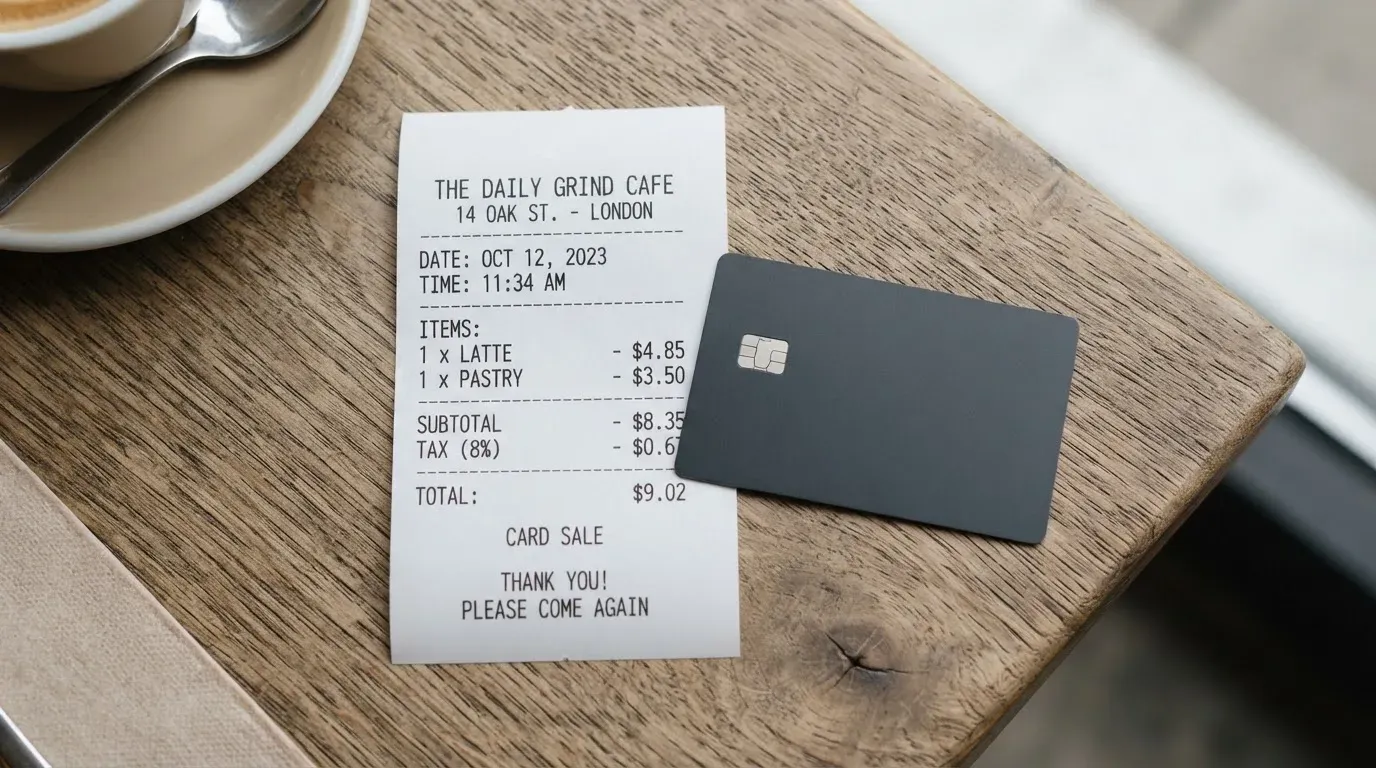
Let me give you what is published, and mark clearly what is not:
| Item | What it costs |
|---|---|
| Card issuance (virtual, physical, additional, replacement) | “Check app for the price” — not stated publicly |
| Account maintenance | Free |
| Emerald subscription | From $5.59/month |
| Deposit (top-up) | Free, no limit |
| Card spend in USD | Free |
| Card spend in a non-USD currency | 1.7% + $0.10 (Emerald listed as 1.02%, page garbled — verify) |
| Trading fee | 1.7% (Emerald 0.85%) |
| ATM withdrawal | $1 + 0.65% of the amount, up to 3 withdrawals per 24 hours, max $250 per withdrawal |
| On-chain withdrawal | Network fee + 0.1% |
| International send | Network fee + 0.1% |
| Send to another Rizon user | Free |
Now the everyday payments, because a fee table only means something once you see it applied. A coffee bought in your own country’s currency in a shop that prices in dollars — if your card is dollar-denominated and the merchant prices in dollars, this is free. The same coffee bought locally in a currency that is not the dollar — this is where the 1.7% + $0.10 lands, plus whatever the merchant’s own terminal adds. Pulling cash out of an ATM — $1 plus 0.65%, capped at $250 per withdrawal and three withdrawals a day. An online subscription priced in euros — the non-USD fee again, on a recurring charge, which is why recurring non-dollar payments are the case to watch.
Two tiers exist: Standard and the Rizon Emerald subscription, from $5.59/month, which cuts FX, trading and transaction fees by 50%. The card page also mentions unnamed “higher tiers” that unlock premium benefits as you spend, and the metal card is still “Coming Soon”.
Here is the unofficial pricing, which I am giving because the official side is silent, but which you must check against the app: a Standard virtual card at $10 one-time, with Gold and Emerald virtual cards free; a physical Standard card at $49.99, Gold at $24.99, Emerald included; plans listed as Standard free, Gold $3.99/month, and Emerald $6.99/month with a three-month minimum (spendnode.io, October 2026). Note that this unofficial Emerald figure of $6.99/month contradicts the official “from $5.59/month”, and the same unofficial source notes a terms inconsistency on the international fee (1.7% + $0.30 versus 1.5% + $0.30). That contradiction is itself the finding: the published pricing on this card is not fully consistent, so verify the numbers in the app before you commit.
Top up: how to load the balance
Topping up is the card’s strongest suit, which is why this is a 9. The deposit fee is free and there is no limit. That combination — no fee, no ceiling — is rare in this category and is the single best thing about using Rizon day to day.
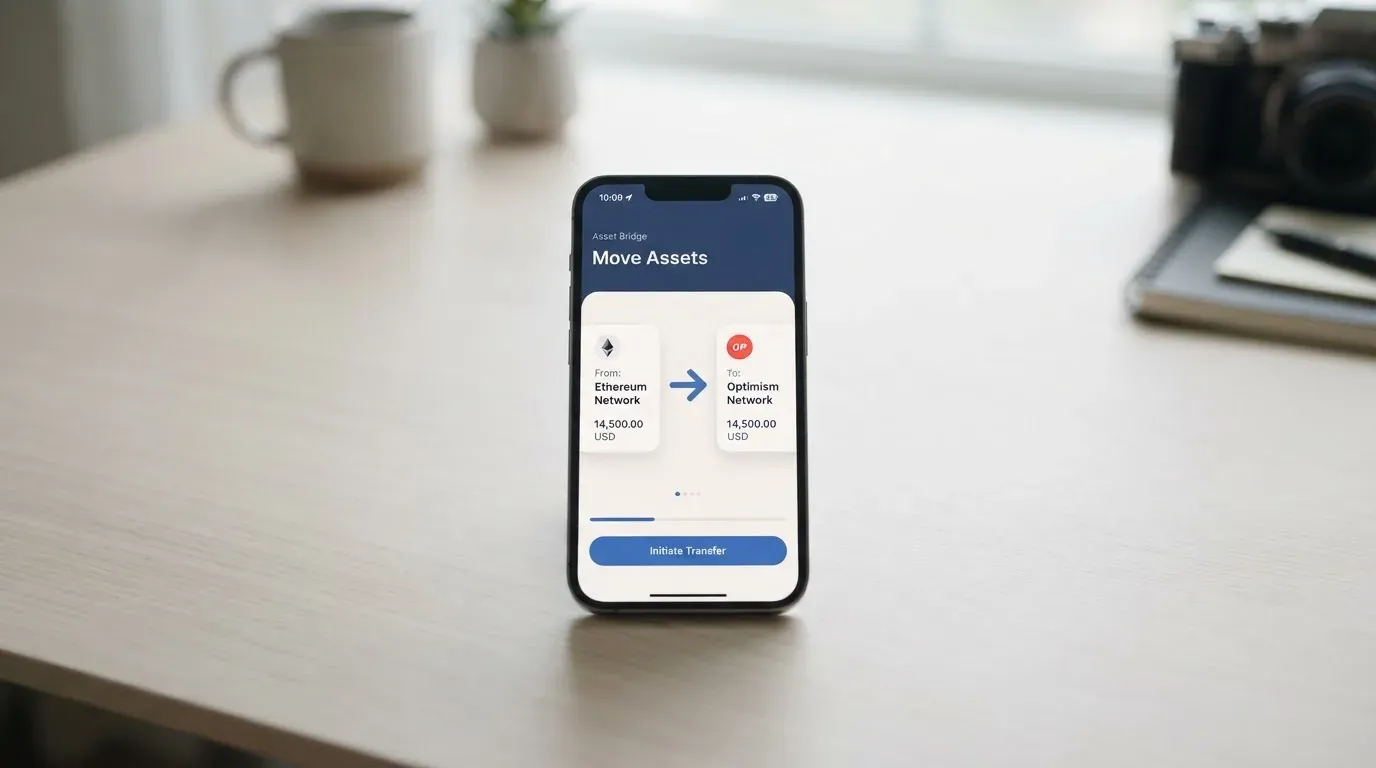
The on-chain deposit networks are Arbitrum, Solana, Base, Polygon, Optimism, Avalanche and BSC. The help centre frames these as “Solana and EVM-compatible” chains. What is not stated on the pages I could read: which specific coins are accepted, the minimum deposit, and who pays the network fee. The card page says you can “deposit money multiple ways” but does not specify the methods on that page.
On unofficial reporting, coins are named: USDC and USDT on Polygon, Optimism or Arbitrum, plus US bank transfer and credit card (spendnode.io, October 2026). The official help centre lists more chains than that unofficial source does, so take the official network list as the reliable part and the coin list as something to confirm in the app.
Two things about the mechanics matter more than they look. First, on-chain network fees — the gas, or on Tron-style chains the bandwidth — are charged by the blockchain, not by Rizon; the free deposit fee is Rizon’s, the gas is the network’s. Second, blockchain transfers are irreversible. A deposit sent on a network the provider does not support, or to an address belonging to a different network, can be lost or need slow manual recovery. This is the category-wide trap and it is the one genuinely irreversible mistake available on this card. Check the network in the app before you send, every time.
Paying with it every day
Daily use is where this card is at its best, and this is the second 9.
The virtual card works with Apple Pay and Google Pay, which means in practice you can leave the physical card in a drawer and pay by phone. On unofficial reporting, the virtual card is provisioned immediately, so you can add it to your wallet and start paying without waiting for anything in the post. Apple Pay replaces your card number with a device-specific number stored in the phone’s secure hardware, with a one-time code per payment, so the wallet setup is the secure part of the system, not a weak link.
On cash: physical cards allow ATM withdrawals worldwide, with the $1 + 0.65% fee and the $250-per-withdrawal, three-a-day cap from the fee table. It is a real card in the sense that it works in a slot.
On rewards: the official card page advertises 2.5% cashback on eligible purchases — online, in stores and at ATMs — redeemable from a cashback balance, with RizPoints on spending. The payout currency is not stated. There is an unofficial conflict here worth knowing: one source describes cashback on Gold as 1% capped at the plan fee, while a Medium review cites 2.5%; the official card page says 2.5%. Where the official page and third parties disagree, believe the official page — but believe it only after seeing the terms in the app.
The apps exist for iOS and Android, linked from the card page. The card page shows no ratings and I did not read the App Store or Google Play pages directly. Unofficial, and older with an unknown date: Google Play shows “RIZON: Stablecoin Finance” at about 4.3/5 from roughly 3,500 ratings, and the App Store at 4.0 from 144 ratings (coincodecap.com). A 4.3 with thousands of ratings is a healthier signal than most new fintech apps manage; a 4.0 on 144 is too thin to lean on.
One gap on daily use: blocked merchants are not stated anywhere I could find, on the official pages or the unofficial ones. So you do not know in advance whether a given category will be refused.
What can go wrong
Now the part where I take the score down. Reliability and complaints is the weakest criterion, at 5, and this section is why.
The company behind the card. Rizon Technologies, UAB makes the product available. The card itself is issued by Signify Holdings Inc. and its subsidiary Nimbus LLC (Rain). That matters because the issuer, not the app on your phone, is the party bound by the card programme. Medium and aggregators name Third National as the issuing bank, but that is unverified. I found nothing dated in 2025–2026 about licences, issuer changes or fines — which is reassuring on its face, but it also means I am telling you I found no news, not that no news exists.
Where the money sits. The card is non-custodial: you keep full control and you are responsible for your recovery phrase. That is a real security property — nobody can move your funds — but it also means the usual safety nets do not apply. A seed phrase is typically 12 to 24 words and unencrypted; anyone who gets it can restore the wallet and spend the money, and a stolen key has no built-in recovery. The app adds biometric login, “smart fraud protection”, and the ability to lock and unlock a physical card in the app. Two-factor authentication and insurance are not mentioned.
The complaints. There is no official incident record. What I found is a secondhand user report via the aggregator cryptocards.so — unverified, and the underlying Reddit and App Store threads were not opened. The themes: a virtual card issuance fee (about $3.50) charged before eligibility and before KYC completed; manual KYC review running past 24 hours against advertised minutes; recovery of a deposit sent on the wrong network being slow; and refund requests stuck in chatbot loops. The aggregator says Rizon acknowledged the onboarding flaw and planned to add a country-selection step. Separately, a Trustpilot profile for Rizon shows about 2.4/5 from 8 reviews, mostly one-star — though the name collides with an unrelated IRC network, which makes that profile unreliable as a signal. The complaint themes repeat across both sources, with no dates attached to any of them.
Read those complaints as a pattern, not a verdict. The pattern is specific and worth taking seriously: you may be charged a card fee before you are cleared to use the card, and refunds may be slow to move. Both are onboarding-friction problems, not fraud problems — which is the milder of the two categories, but the kind that costs you real money in the moment.
Charges you did not authorise. If you try to buy something and the authorisation declines, a hold can sit on your funds for several days, typically up to seven. And a declined transaction is not always free at this category level — some programmes charge a small fee for a decline on insufficient balance (KAST publishes one, for instance). Rizon’s pages do not state whether it charges a decline fee.
Disputes. The help centre has an article on card limits but no article titled around disputes or chargebacks. What that means in practice: US debit-card reversal rights come from Regulation E and credit-card rights from Regulation Z, prepaid-card coverage varies and should not be assumed, and Rizon does not appear to publish a chargeback process. If you are the kind of person who needs a documented dispute path, check this before you rely on the card for large purchases.
What to take instead
If Rizon’s gaps — unclear card price, an incomplete dispute story, a citizenship gate — do not suit you, three alternatives come up in this category, and each fails in a different way. Here is how they compare, with their scores alongside Rizon’s 6.7.
| Card | Score | Who it fits | Main catch |
|---|---|---|---|
| Rizon | 6.7 | Latin American and Asian passport holders; strong on-chain top-ups; Apple Pay user | Card price unpublished; weak complaint record |
| MetaMask | 7.1 | 45 listed countries; non-custodial; cashback in mUSD | Sign-ups in US/UK temporarily closed; Metal $199/year |
| KAST | 6.1 | Residence-based list at KYC; stablecoin balances; Visa tiers | Non-USD FX 0.5–1.75%; tier fees up to $10,000/year |
| TokenPocket | 5.8 | European passport holders wanting a Visa; runs on Arbitrum | 1% deposit fee; only virtual, no physical card |
MetaMask scores highest of the four, at 7.1. It is open in 45 listed countries and territories (Andorra, Argentina, Brazil, Canada, Mexico, Germany, France, Spain, Uruguay among them), though other regions join a waitlist and US/UK sign-ups are temporarily closed per its FAQ. It is a Mastercard, virtual card issued instantly, with a Metal version you can pre-order after approval, one card per user, issued by Monovate with Crypto Life as card provider. The virtual card is free with no annual or maintenance fee; Metal is $199/year. Fees are “minimal” per transaction with no foreign transaction fee, and you spend directly from your connected wallet on Linea, Base, Monad and Solana using tokens including mUSD, wETH, EURe, GBPe, USDC and USDT. Cashback is paid in mUSD: 1% on Virtual, and on Metal a headline 3% that a footnote caps at 3% for the first $10,000 spent then 1%. Note that “ineligible regions limit sign-ups, not spending” — a different and friendlier framing of the access question than Rizon’s.
KAST sits at 6.1 and is the most transparent on membership of the three, which is a real virtue. It shows its country list at KYC (“If your country isn’t listed, it means KAST is not available there”) though the list itself is not published, and it is explicit that holding an ID from a restricted region can disqualify you even if you live in a supported country, that VPN does not bypass this, and that dual citizens may pass with a supported ID. It offers virtual and physical cards, up to ten per user, across Visa Platinum Standard, Visa Infinite metal Premium and Visa Infinite gold Private, plus themed designs. Membership is $0/year for Standard, $1,000/year for Premium and $10,000/year for Private, billed annually upfront; an inactivity fee is $1/month after 12 months. Fees are kinder in some places (stablecoin top-up 0%, dollar spend 0%) and costlier in others (non-USD FX 0.5–1.75%, a $0.50 decline fee, $0.10 on non-USD transactions under $25). Cashback is 1.5% to 3% depending on tier, capped by monthly spend thresholds. Balances are stablecoins — USDT, USDC, PYUSD, RLUSD — though the Terms say only USDT and USDC are acceptable, a conflict worth noting.
TokenPocket is the weakest of the four, at 5.8, and it is the clearest choice only if your passport is European. It issues a Visa debit for European countries and territories (Germany, France, Spain, Switzerland among them) and a Mastercard debit for Australia, Canada, Hong Kong, Japan, Taiwan, New Zealand, Singapore, South Korea, the UK and others, with the Americas “planned”. It runs on Arbitrum, cards are virtual only, and balances are in EUR24 and USD24. The token creation fee is partly covered by TokenPocket and you pay “a small portion”; beyond that it charges no additional fees — but there is a 1% fee on depositing crypto, to be refunded later via rewards, and extra fees can come from inter-institution settlement. That 1% on deposit is exactly the kind of thing this comparison should weigh: Rizon’s deposit is free with no limit.
If your passport is on Rizon’s 44-country citizenship list and you want a phone-first daily card, the alternatives mostly do not improve on it. If it is not, look at whether the alternative’s country list includes you at all before you compare anything else.
Who I would recommend it to
After all of that, here is who I would hand this card to and who I would not.
I would recommend Rizon to you if: your passport is one of the 44 listed nationalities and you mostly spend in dollars or use Apple Pay; you want to hold and spend stablecoins without a bank in the loop; you value a free, unlimited on-chain top-up more than you value published card prices; you are comfortable holding your own recovery phrase; and you will not be caught out by a card price you only learn inside the app. This card is genuinely good at the daily mechanics, and the 9s for top-ups and everyday use are earned.
I would steer you elsewhere if: you hold a European passport and want a card with a clean, published price list — TokenPocket’s European Visa is simpler to understand, even at 5.8; you want the strongest published dispute and fee transparency — MetaMask at 7.1 is the healthiest of the four; you need a card that is unambiguously available in your country of residence rather than your citizenship; or you are the kind of customer for whom an uncharged refund and a clear chargeback process are non-negotiable. On the complaints I found, I would not yet put Rizon through a large purchase as a first test.
Before you commit to anything, do this: open the app and read three things Rizon does not publish — the price of the virtual and physical card, what currency the card actually spends in, and whether the Emerald tier’s cut to the FX and trading fees matches what you would pay on the standard tier. Those three numbers will tell you more about whether this card works for you than any review, including this one.
Frequently asked questions
What is Rizon card?
Rizon is a crypto payment card that converts your crypto into a spendable fiat balance and lets you pay with that balance. It is a Visa Platinum, available as a virtual or physical card, with a metal version still marked “Coming Soon”. The card is issued by Signify Holdings Inc. and its subsidiary Nimbus LLC, while Rizon Technologies, UAB makes the product available to you through the app. It is non-custodial, so you keep control of your crypto.
How does Rizon card work?
You top up the card, and it converts or holds that value as a balance you can spend. The card then behaves like an ordinary prepaid-style payment card: you pay in stores, online or at ATMs, and the funds come out of the stored balance rather than a bank account. On-chain deposits can be made over Arbitrum, Solana, Base, Polygon, Optimism, Avalanche and BSC for free. Apple Pay and Google Pay work with the virtual card.
Is Rizon a bank?
No, not in the ordinary sense. Rizon Technologies, UAB is the company behind the product, and the card itself is issued by Signify Holdings Inc. and Nimbus LLC (Rain) under the Visa programme. So it is a card issued by an institution under a card network’s licence, marketed by a separate company — not a retail bank you open an account with. You are spending a stored balance, not drawing on a current account.
Who owns Rizon?
Rizon Technologies, UAB is the company that makes the product available. The issuing side is Signify Holdings Inc. and its subsidiary Nimbus LLC, which is associated with Rain. Some aggregators name Third National as the issuing bank, but I could not verify that, so treat it as unconfirmed. No dated news on licences, issuer changes or fines in 2025–2026 turned up in my review.
Does Rizon card require KYC?
Yes. Identity verification is required, and the help centre describes two outcomes: “KYC Declined”, which is final and cannot be overridden by Rizon, and “Verification Incomplete”, which is retryable if it was a typo or an unclear photo or selfie. Unofficial sources report passport verification with a selfie clearing in minutes in one test, and manual review running beyond 24–48 hours in others. The card page itself does not state the full KYC requirements.
Is Rizon card available in my country?
Eligibility runs on citizenship, not residence — your passport is what matters. The help centre lists 44 supported nationalities, including the US, Japan, Singapore, UAE, Brazil, Mexico, Australia, Malaysia, Thailand, Egypt and many Latin American and Caribbean countries; Russia and Belarus are not listed. The card page separately says people living in and domiciled in the US or LATAM, and claims 122+ countries by residence. The citizenship list is the criterion actually applied, so check yours against it.
How do I get a Rizon card?
You sign up for an account, complete KYC, and then add a virtual card to your app, which unofficial reporting says is provisioned immediately. A physical Visa Platinum can be ordered, delivered globally per the card page, in 49 countries and territories (in the US, only 31 states). The price of the card, delivery and replacement is not published — the pages say “Check app for the price” — so you will only learn the card cost once you are inside the app.
What does a Rizon card cost to use?
Account maintenance and deposits are free, and spending in USD is free. Spending in a non-USD currency costs 1.7% + $0.10. Trading is 1.7%. An ATM withdrawal costs $1 plus 0.65%, up to $250 per withdrawal and three withdrawals per day. On-chain withdrawal and international send each add network fee + 0.1%; sending to another Rizon user is free. The Emerald subscription, from $5.59/month, cuts these by half.
Is Rizon card free?
Partly. There is no monthly fee on the account and topping up is free, and spending in dollars is free. But the card itself is not published as free — the official pages say “Check app for the price” for the virtual and physical card, and unofficial reporting suggests a one-time or per-card charge for some tiers. The Emerald tier is a paid subscription from $5.59/month. So “free” is true of the account and the top-ups, not necessarily of the card in your hand.
Is Rizon card safe?
The card is non-custodial, so you keep control of your funds and bear responsibility for your recovery phrase — nobody can move your money, but nobody can recover it for you either. The app offers biometric login, fraud protection and the ability to lock a physical card instantly, which are sensible safeguards. Two-factor authentication and insurance are not mentioned, blocked merchants are not listed, and there is no published chargeback article. User complaints centre on fees charged before KYC completes and slow refunds, so treat it as convenient rather than airtight.
Wallet cards: your questions answered – cryptocardanswers
Content created by the «cryptocardanswers» team