
Avalanche card: a self-custody Visa, weighed up
 Available in US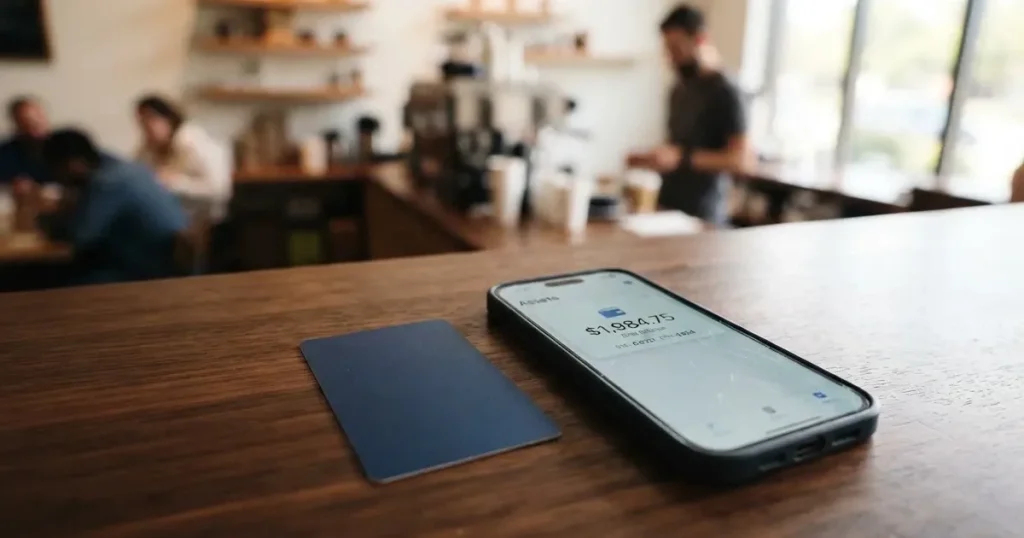
The Avalanche card is a Visa that draws on a crypto balance held on the Avalanche blockchain, with the funds staying in the user’s own wallet until the moment of payment. It is run by Rain Liquidity, an infrastructure company, and was first launched in Latin America and the Caribbean before opening up more widely. The product is unusual in keeping the user in self-custody: rather than handing USDC over to a card issuer, you keep it in your own wallet and the card pulls it as you spend. That single design choice shapes everything else about it — who can get one, what it costs, and where it makes sense to use.
Conditions are current as of October 28, 2026.
This review walks through the card as it stands, drawing on Avalanche’s public pages and the help notes from Ava Labs, with figures for fees and limits from those sources. Where a fact comes from a third-party comparison site rather than from Avalanche or Rain themselves, I have flagged it as unofficial. The conditions are current as of 2026-10-20.
Verdict
The Avalanche card scores 6.9 out of 10. It earns its mark by doing something most crypto cards do not: keeping funds in self-custody while still giving the user a real Visa number that can be added to Apple Pay or Google Pay. There is no monthly fee, no issuance cost, and no shipping charge for the physical card. The headline foreign-exchange fee of 1% is competitive, though third-party sites report higher figures under different agreements. On the other side, the card is restricted to a defined set of countries and US states, top-up options are limited to Avalanche-native assets, and there is no cashback, no stated ATM access, and no clear dispute process in the public materials. App-store reviews are thin, with a 3.1 out of 5 average from only 22 ratings on iOS.
| Criterion | Mark | Why it matters |
|---|---|---|
| Who can get it | 7 / 10 | Many US states plus Latin America and the Caribbean; 18 countries and 16 US states excluded; unofficial sources say roughly 172 countries in total. |
| Cost | 8 / 10 | No issuance, monthly, or shipping fees; FX at 1%; unofficial sources list 2% in the US and up to 3% internationally. |
| Top-up options | 6 / 10 | USDC, USDT, AVAX, WAVAX as collateral on the Avalanche network, with sAVAX added by Ava Labs. |
| Reliability and complaints | 6 / 10 | Runs on Rain Liquidity; the issuing bank is not named publicly; no official incidents; 3.1/5 on the App Store from 22 ratings; unofficial reports of slow support. |
| Everyday use | 7 / 10 | Virtual and physical Visa, works with Apple Wallet and Google Pay; unofficial sources disagree on ATM access. |
| Total | 6.9 / 10 | A self-custody Visa for people who already hold USDC on Avalanche. |
The card suits Latin American and US residents who already keep stablecoins on Avalanche and want a Visa for everyday spending without moving funds to an exchange. It suits less people outside those regions, and it is a poor fit for anyone who wants cashback, ATM withdrawals, or a card tied to a tiered rewards programme. If you are deciding between this and a more conventional card, the rest of the review covers what to check.
Who can get the Avalanche card
The card is open to adults aged 18 or older who are legal residents of a supported country or region. Avalanche’s homepage describes the eligible footprint as “many U.S. states, Latin America, and the Caribbean” and notes the list is expanding. Eighteen countries are excluded: Belarus, Cuba, India, Iran, Iraq, Israel, Mainland China, Nepal, Nicaragua, Nigeria, North Korea, Russia, Sri Lanka, Syria, Turkey, Ukraine, Venezuela and Vietnam. Sixteen US states are also out: Arizona, Delaware, Georgia, Idaho, Louisiana, Maryland, Nevada, New Mexico, North Dakota, Ohio, Oregon, Rhode Island, South Dakota, Vermont, Washington and Wisconsin.
A third-party comparison site (CryptoCardHub, 11 August 2026) puts the total reach at about 172 countries, with 18 restricted and 16 US states unavailable. That figure is unofficial and not confirmed by the card, but the restricted-country list lines up with Avalanche’s own published exclusions for the countries both lists name, including Russia and Turkey.
What this means for you: if you live in Mexico, Brazil, Argentina or another Latin American country, or in most of the continental US outside the sixteen excluded states, the card is likely available to you. If you live in Europe, the UK, much of Asia, or Africa, the card’s public materials do not currently list your country. Because the list is expanding, the safest move is to check the signup screen on the official site for your specific address before assuming you are eligible.
There is no separate tier system. The single KYC process applies to everyone, and the same collateral types are available regardless of how much you spend. A user can hold up to three virtual cards and one physical card, with only one virtual and one physical active at a time.
How to sign up
Signing up means passing know-your-customer (KYC) checks before any card is issued. The card site lists the following as required: legal name, email, date of birth, a national identification number (SSN for US residents, national ID elsewhere), a government-issued photo ID, a selfie, and a valid phone number. Expired IDs are not accepted, and P.O. boxes cannot be used as an address. Approval is usually a matter of seconds but can take up to 72 hours. Whether a separate proof of address is required is not stated on the public pages.
There is no second tier to unlock. Unlike some crypto cards that gate higher spending behind extra documents, the Avalanche card uses a single verification flow and a single collateral pool. That keeps the signup simple, but it also means there is no faster track if you want to spend more.
Once approved, the virtual card is issued immediately and can be added to Apple Wallet or Google Pay straight away. The physical card is shipped free of charge, and most users report receiving it within 14 to 30 or more business days, depending on location. The card is shipped only to eligible countries. The replacement fee for a lost or damaged card is not stated.
What this means for you: have your photo ID, your residential address, and your phone ready before you start. If you are travelling or living temporarily outside an eligible country, the card cannot be shipped to you. If you are in a hurry, start with the virtual card, which is available the moment your KYC is approved.
Fees: what the Avalanche card really costs
The Avalanche card’s headline pricing is unusually clean. There is no monthly account fee, no fee to issue the virtual card, no fee to issue the physical card, and no shipping charge. The foreign-exchange fee is 1%, and the card site says there are “no gas fees or conversion fees” charged by Avalanche Card itself, though users still pay the Avalanche network’s gas directly when moving funds.

Unofficial figures from comparison sites tell a more complicated story. CryptoCardHub, reporting on 11 August 2026, says the US disclosure shows an FX fee of 2% and the international agreement shows up to 3%, both contradicting the 1% on the public FAQ. DefiLlama lists up to 3% globally. The same site also mentions a late-payment fee of up to 2% of the outstanding balance and a $10 statement-copy fee in the US. Whether any of these apply to a given user depends on which agreement they actually sign at signup, and the card’s public materials do not reconcile the difference.
ATM access and cash advances are not described on Avalanche’s public pages. Unofficial sources disagree: CryptoCardHub says ATM withdrawals are not part of the current product, another comparison site (cryptocards.so, 2026) lists ATM as unlimited with no fee, and a third (DefiLlama) says the ATM terms are not disclosed. Spending limits are also not published in dollar terms. CryptoCardHub reports that Rain may set daily or monthly limits, reduce them, or set spending power to zero, and that under the US agreement up to 100% of the value of USDC and USDT holdings can be spent, while up to 50% of AVAX or WAVAX holdings can be spent.
| Fee or limit | Amount |
|---|---|
| Virtual card issuance | $0 |
| Physical card issuance | $0 |
| Shipping | $0 |
| Monthly account fee | $0 |
| FX fee (official FAQ) | 1% |
| FX fee (unofficial, US agreement) | 2% |
| FX fee (unofficial, international) | up to 3% |
| Late payment (unofficial) | up to 2% of outstanding balance |
| Statement copy in the US (unofficial) | $10 |
| ATM withdrawals | not stated (sources disagree) |
| Daily and monthly spending limits | not stated |
| Replacement card fee | not stated |
Three everyday payments show what the cost looks like in practice. Buying a coffee for $5 in a country that uses dollars: nothing but the cost of the drink, since there is no FX conversion and the card spends straight from your USDC. Tapping to pay €45 for a meal in a eurozone country: a 1% FX fee per the FAQ, or 2% to 3% per unofficial disclosures, which comes to somewhere between roughly $0.50 and $1.40 on the day’s exchange rate. Buying a $200 train ticket online from a US billing address: no FX, no conversion fee on Avalanche’s side, but the Avalanche network’s gas for the underlying transfer is paid by you, separately, and is typically a small amount.
What this means for you: the headline 1% FX fee is competitive, but the unofficial 2% to 3% figure is what some users actually see, and the card site does not explain the difference. Before relying on the card for cross-border spending, look at the agreement you sign at signup, not just the marketing page. If you only spend USDC in dollars, this concern falls away.
Top up: how to fund the Avalanche card
The card spends directly from a self-custody wallet on the Avalanche network, so “topping up” means moving supported tokens to that wallet and designating them as collateral. The Avalanche homepage lists USDC, USDT, AVAX and WAVAX as the supported collateral types. The FAQ on the same site mentions only USDC and AVAX, which is inconsistent with the homepage, and the Ava Labs help page adds sAVAX to the list. Treat the broader list — USDC, USDT, AVAX, WAVAX and, per Ava Labs, sAVAX — as the one that matches the launch coverage and Rain’s own article, but be aware the official card site has not fully reconciled it.
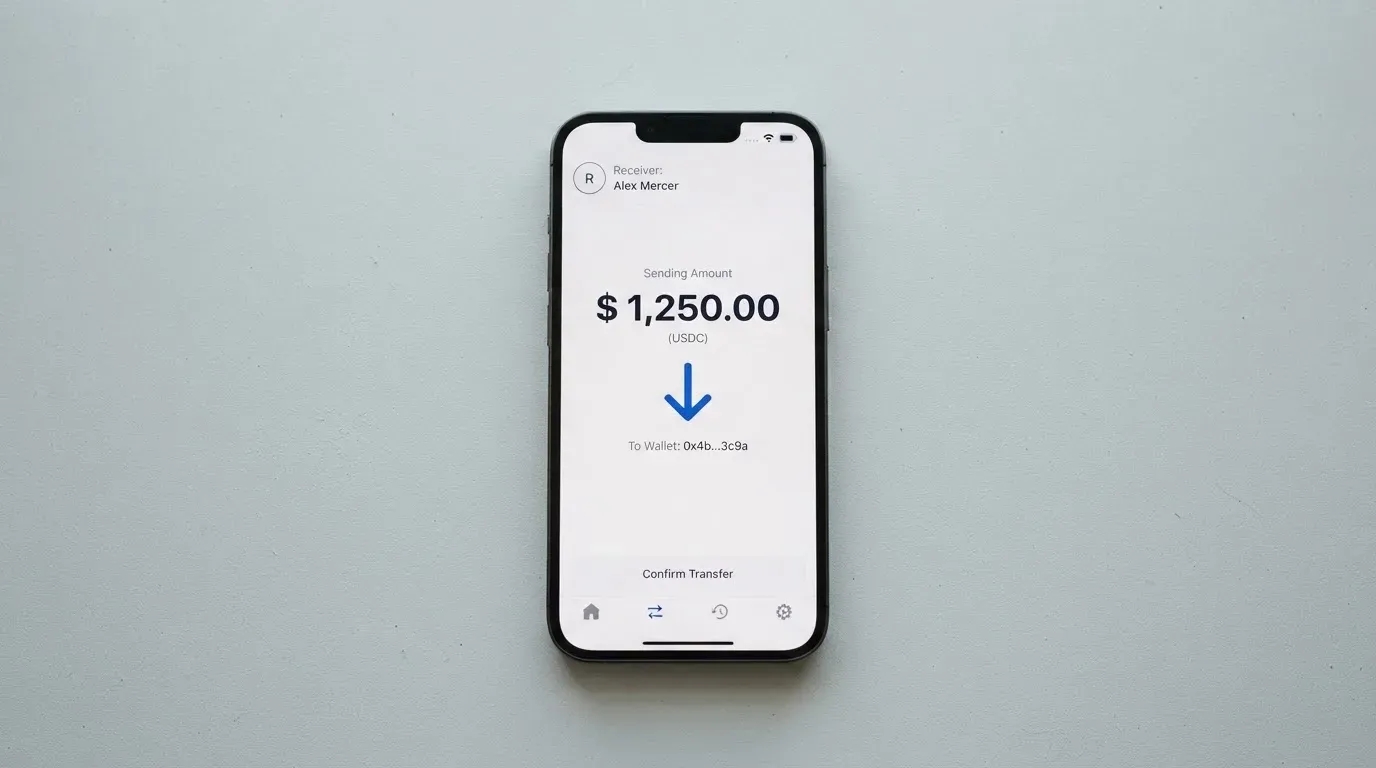
The network is Avalanche. This matters because USDC exists on many chains, and only the Avalanche-native version is accepted. Sending USDC on Ethereum, Base, Polygon or Solana to the card’s address is the most common way to lose a top-up: blockchain transfers are irreversible, and tokens sent on the wrong network are typically unrecoverable without manual support. The same goes for USDT, which is also issued on multiple chains.
The card site says there are “no gas fees or conversion fees” charged by Avalanche Card, but the user pays Avalanche network gas directly when moving tokens. There is no stated minimum top-up. Users add or withdraw funds in the app and can close cards at any time from the same place. A withdrawal fee is not stated.
What this means for you: send only Avalanche-native USDC, USDT, AVAX or WAVAX. Double-check the network in your sending wallet before confirming; sending the right token on the wrong chain is the single most expensive mistake people make with this kind of card. Keep a small amount of AVAX in the wallet to pay gas, because Avalanche gas is paid in AVAX and a wallet holding only USDC cannot move funds.
Paying with the card every day
The card works as both a virtual and a physical Visa. The virtual card can be added to Apple Wallet or Google Pay immediately after approval, which means tap-to-pay works on a phone within minutes of signing up. The physical card arrives by post, free of charge, within roughly 14 to 30 or more business days, and works anywhere Visa is accepted.
Blocked merchant category codes (MCCs) are not listed in the public materials, so whether the card works at gambling sites, adult entertainment, or other restricted categories is not something Avalanche publishes. Users who need a specific merchant category accepted will need to test it themselves or contact support.
There is no cashback programme on the card site. Unofficial sources describe an “Avax Points” scheme rather than cashback, with points redeemable at 1 cent each for travel or 0.7 cent for statement credit, and an earn rate shown only inside the app. Because this is not described on Avalanche’s own pages, it is best treated as unofficial and unconfirmed by the card.
The card runs on the Avalanche Card app, listed on Apple’s App Store as “Avalanche Card – Pay Anywhere” by Rain Liquidity LLC, with a 3.1 out of 5 average from 22 ratings. The Google Play listing was not read for this review. Given the small number of ratings, the App Store score should be read as a sample rather than a verdict.
Dispute and chargeback procedures are not described on the public site. Unofficial reporting says the US agreement caps liability for unauthorised use at $50 before notice and zero after prompt notice, and that disputed transactions do not earn points. None of this is on Avalanche’s own pages, so a user who needs to dispute a charge has no published process to follow.
What this means for you: the card is built for tap-to-pay and online checkout, not for cash access or rewards. Treat the unofficial points scheme as a possible bonus rather than a feature, and keep your own records of transactions in case a dispute ever comes up, because the public site does not explain how one would work.
What can go wrong
The Avalanche card is built on a relatively new product with a small public footprint, and the risks sit in three areas: the company behind it, the technology, and the limits of what is published.
On the company side, the card is powered by Rain Liquidity, which describes itself as “a financial technology company and not a bank.” Cards are “issued by partners licensed in their respective jurisdictions,” but the issuer is not named on the card’s public pages. Rain’s own site footer mentions that Rain debit cards are issued by Cross River Bank, a Member FDIC institution, with Rain Products, Inc. as programme manager, but that disclosure is not tied to the Avalanche Card explicitly. In the US, this kind of arrangement means the actual card is a bank product, but the relationship and the brand on the front of the card are managed by Rain and Avalanche. Ava Labs, the team behind the Avalanche blockchain, makes clear in its help page that it does not support the card — Rain handles all issues.
On the technology side, the self-custody design is both the card’s main appeal and its main risk. Funds stay in the user’s own wallet until the moment of payment, which means the user — not Rain, not Avalanche, not the issuing bank — is responsible for the private key or seed phrase. The help page notes that wallet recovery is by iCloud backup or PIN, and that 2FA is not mentioned as a feature. Neither Avalanche, the card, nor any cryptocurrency is FDIC-insured. If a user loses their seed phrase, there is no built-in recovery; if a phishing attack or clipboard-hijacking malware swaps an address, the funds are gone.
On the information side, the public materials are thin. No Trustpilot or Reddit page for the Avalanche Card appears in search results; what shows up is “Rain” companies in unrelated industries. Unofficial user reports describe slow or generic support on withdrawal and access problems. There are no official public incidents recorded for the card itself, and given the product’s recent launch, the absence of incidents is not the same as a long track record.
What this means for you: keep only what you can afford to lose in the card’s wallet, since FDIC insurance does not apply. Use a hardware wallet or a dedicated self-custody setup if you are moving meaningful amounts, and back up your seed phrase offline. Treat any “Avax Points” or unofficial fee figures as marketing material until they appear in the agreement you actually sign.
What to take instead
The Avalanche card is not the only self-custody-style Visa or Mastercard on the market. Three alternatives cover different corners of the same space, each with its own tradeoffs.
TokenPocket (TP Card) — 5.8 / 10. A Visa debit card for a list of European countries (Germany, France, Spain, Switzerland among them) and a Mastercard debit for Australia, Canada, Hong Kong, Japan, Taiwan, New Zealand, Singapore, South Korea and the UK, with the Americas “planned for Q2 2025.” The card runs on Arbitrum and balances are held in EUR24 and USD24. The main fee is a 1% charge on crypto deposits, which the project says will be refunded later through rewards or reduced transaction fees; no FX fee is stated. No cashback is published. The TP Card is best for users already inside the TokenPocket wallet ecosystem who want a euro- or dollar-denominated debit on Arbitrum, and it suits less anyone outside the listed countries or anyone looking for a tiered rewards structure.
MetaMask Card — 7.1 / 10. A Mastercard available in 45 listed countries and territories (including Andorra, Argentina, Brazil, Canada, Mexico, Germany, France, Spain and Uruguay), with other regions on a waitlist. The virtual card is free, with no annual or maintenance fee; a Metal version is $199 per year. The card spends directly from a connected wallet on Linea, Base, Monad or Solana, with named tokens including mUSD, wETH, EURe, GBPe, USDC and USDT. Cashback is paid in mUSD into a Money Account: 1% on the virtual card, headline 3% on Metal (the footnote limits 3% to the first $10,000 spent, then 1%). There is no foreign transaction fee; the Mastercard rate is used. The MetaMask Card is the strongest of the three for users who want rewards and a wider token list, and it is weaker than the Avalanche card for users who specifically want to keep their funds on Avalanche.
KAST — 6.1 / 10. A Visa with three tiers — Standard ($0/year), Premium ($1,000/year) and Private ($10,000/year) — and up to 10 cards per user. The card supports USDC, USDT, PYUSD and RLUSD on Ethereum, Solana, Polygon, Arbitrum and TRON, with no bank account needed. Fees on stablecoin top-ups, USD spending, Apple/Google Pay and declined transactions are listed in detail; the non-USD FX fee is 0.5% to 1.75% depending on residence and card programme. Cashback is paid in USD: 1.5% on the first $2,000 a month for Standard, 2% on the first $10,000 for Premium, 3% on the first $40,000 for Private, with additional KAST Points on Premium and Private. KAST is the most explicit about its fees and rewards, and it is the most expensive to enter at the top tiers. It suits high spenders who want tiered cashback more than it suits someone testing a self-custody card for the first time.
For a user who already holds USDC on Avalanche and lives in a supported country, the Avalanche card is the most direct fit, because no bridging or swapping is needed. For a user who wants cashback, a MetaMask Card or KAST will pay more back. For a user in Europe who wants a card on a non-Ethereum chain, the TokenPocket card is the closest match.
Who I would recommend the Avalanche card to
The Avalanche card is built for a specific user. If you live in a supported country, are 18 or older, already hold USDC or USDT on the Avalanche network, and want a Visa that draws on your own wallet without giving up custody, the card is a reasonable choice. It pairs well with a routine that involves tapping to pay in dollars or converting to a foreign currency at the point of sale, and it avoids the friction of moving funds to a centralised exchange just to load a card.
It is not a good fit for users who want cashback, ATM access, or a clearly published dispute process. It is not a good fit for users outside the supported footprint, and it is not a good fit for users who do not already operate a self-custody wallet on Avalanche, because the cost and complexity of bridging assets to Avalanche would cancel out the card’s pricing advantage.
For the right user — a Latin American or US resident with USDC on Avalanche who wants a clean, low-fee Visa and is comfortable managing their own keys — the card earns its 6.9 out of 10. For everyone else, the alternatives above cover the ground the Avalanche card does not.
Frequently asked questions
What is the Avalanche card?
The Avalanche card is a Visa debit card that spends directly from a self-custody wallet on the Avalanche blockchain. It is run by Rain Liquidity and was first launched in Latin America and the Caribbean before opening to more regions.
How does the Avalanche card work?
The card converts USDC, USDT, AVAX or WAVAX held in your own wallet into a Visa payment at the point of sale. Because the wallet is self-custody, the funds stay under your control until the moment the card transaction is authorised, and the card pulls them in real time.
Is Avalanche a bank?
No. Avalanche is a blockchain network, and the card is operated by Rain Liquidity, which describes itself as a financial technology company and not a bank. The actual card-issuing bank is not named on Avalanche’s public pages, though Rain’s site mentions Cross River Bank for some of its debit cards.
Who owns Avalanche?
Avalanche is an open-source blockchain. Ava Labs is the company that builds on it. The Avalanche card itself is a product of Rain Liquidity, with Ava Labs providing help and onboarding content rather than running the card programme.
Is the Avalanche card available in my country?
It depends on where you live. Avalanche’s homepage lists “many U.S. states, Latin America, and the Caribbean” as eligible, and names 18 excluded countries including Russia, Turkey, India, China and Vietnam. Sixteen US states are also excluded, including New York, Texas and California-adjacent states like Nevada and Georgia. The signup screen on the official site is the most reliable way to check a specific address.
How do I apply for the Avalanche card?
You apply through the Avalanche Card app. The process is a single KYC flow that asks for your legal name, email, date of birth, national ID or SSN, a government photo ID, a selfie and a phone number. Approval usually takes seconds but can take up to 72 hours.
Does the Avalanche card require KYC?
Yes. KYC is required before any card is issued. The card site lists the documents above, rejects expired IDs and P.O. boxes, and notes that approval is usually immediate but can take up to 72 hours.
How do I top up the Avalanche card?
You top it up by sending Avalanche-native USDC, USDT, AVAX or WAVAX to your card wallet from another wallet or exchange. The network must be Avalanche; sending the same token on a different chain is likely to result in a lost deposit. You also need a small AVAX balance to pay gas.
How do I add the Avalanche card to Apple Wallet?
After KYC is approved, the virtual card is issued immediately. Open Apple Wallet, tap the plus icon, and follow the prompts to add the card using its details from the app. The same process works for Google Pay on Android.
Is the Avalanche card safe?
It is as safe as the self-custody wallet behind it. The card is not FDIC-insured, and the help page makes clear that neither Avalanche nor any cryptocurrency is insured. Funds stay in the user’s wallet until the moment of payment, which removes custodial risk but puts the responsibility for seed-phrase security entirely on the user.
Wallet cards: your questions answered – cryptocardanswers
Content created by the «cryptocardanswers» team